Copy once.
Keep it forever.
Tuck is the clipboard shelf for Mac and iPhone. Everything you copy, one keystroke away.
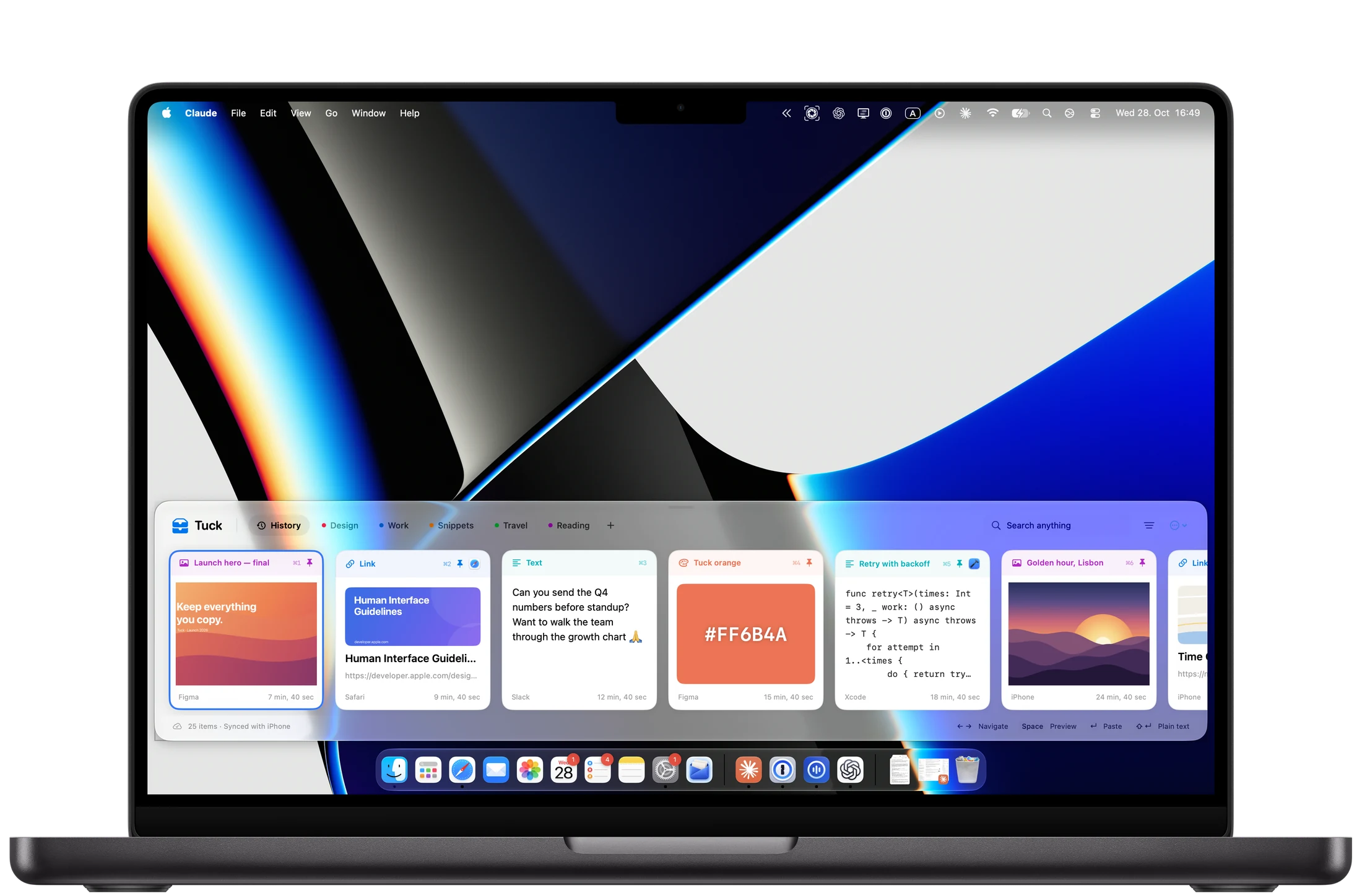
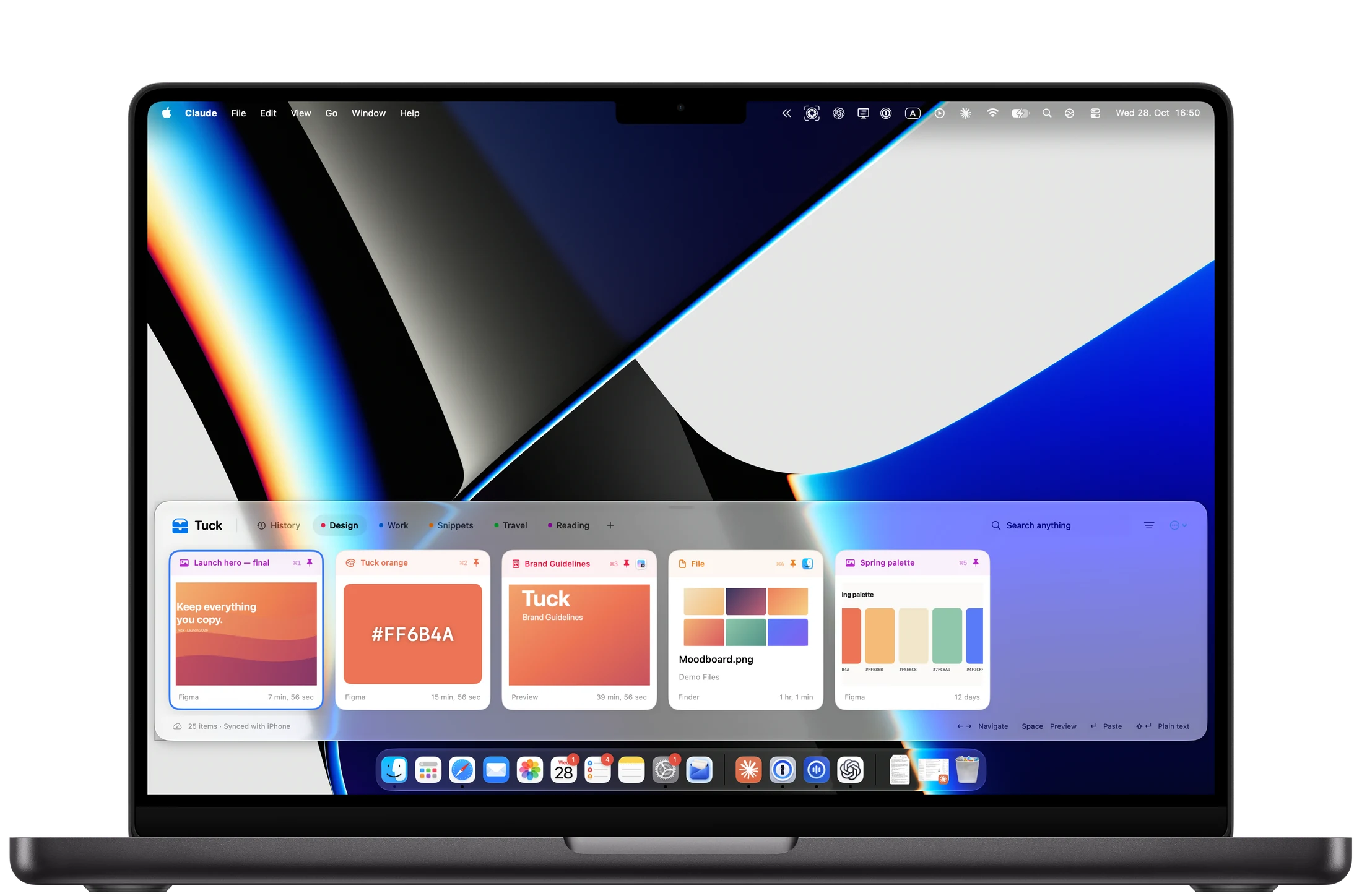
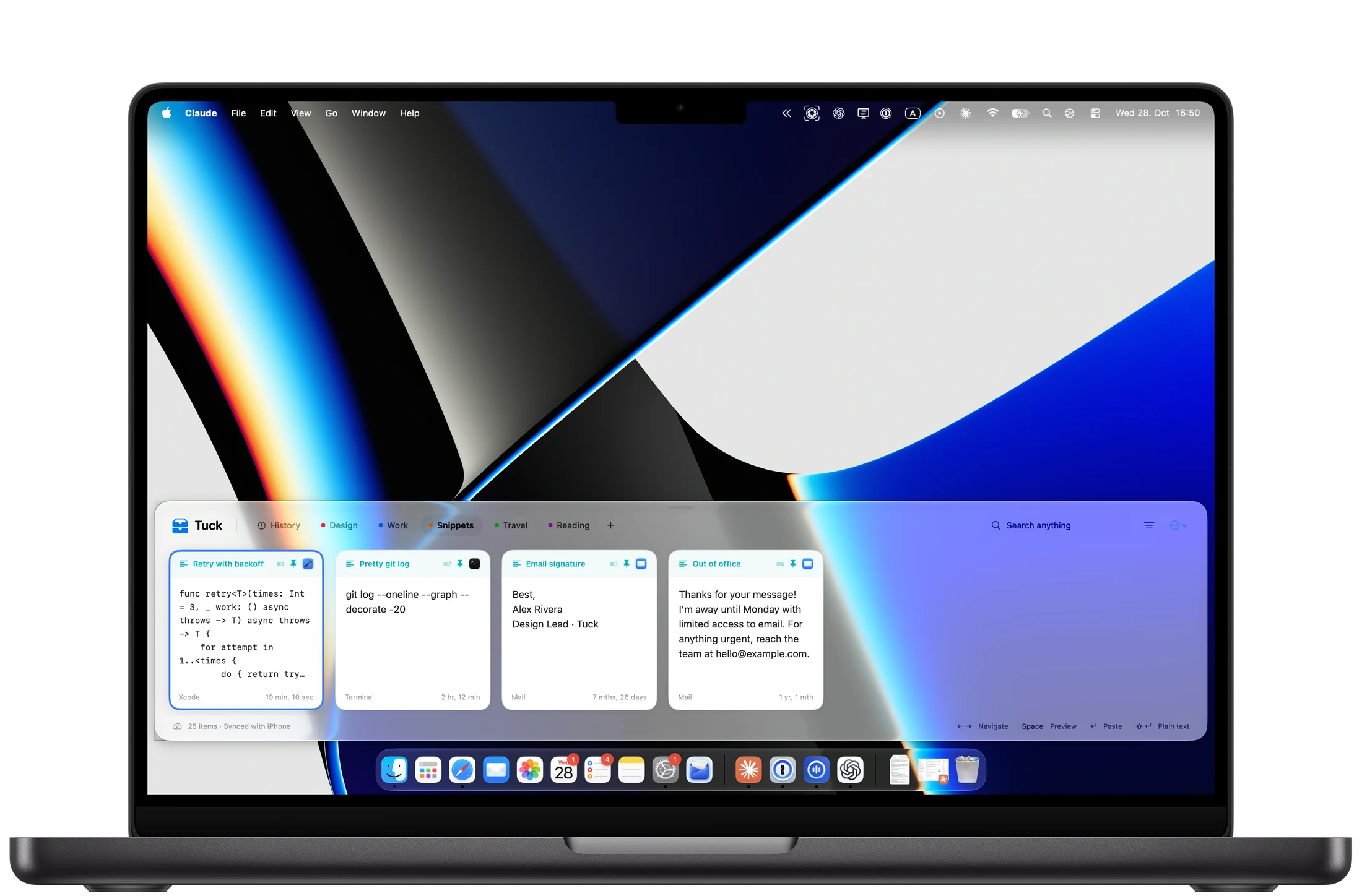
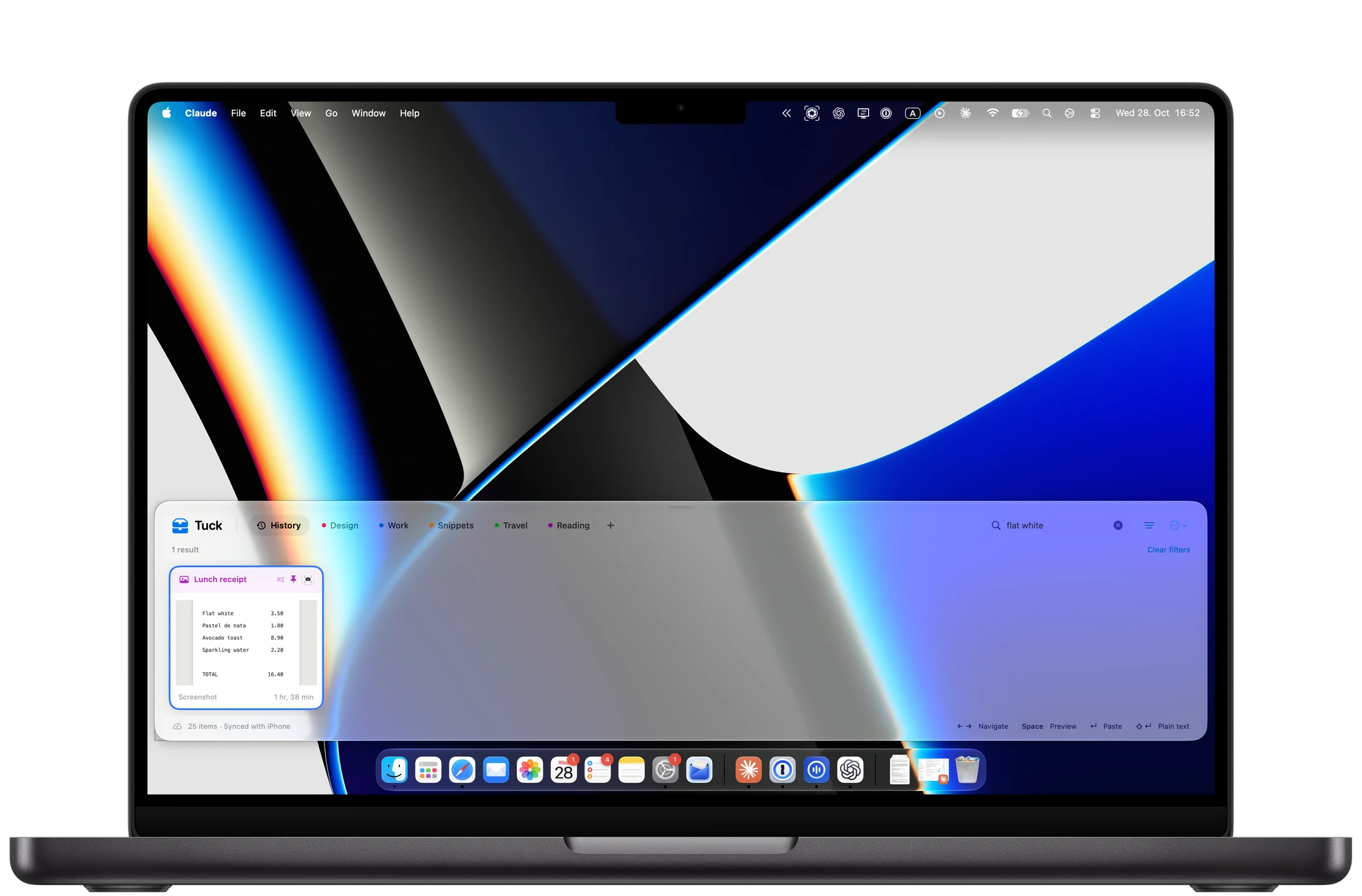
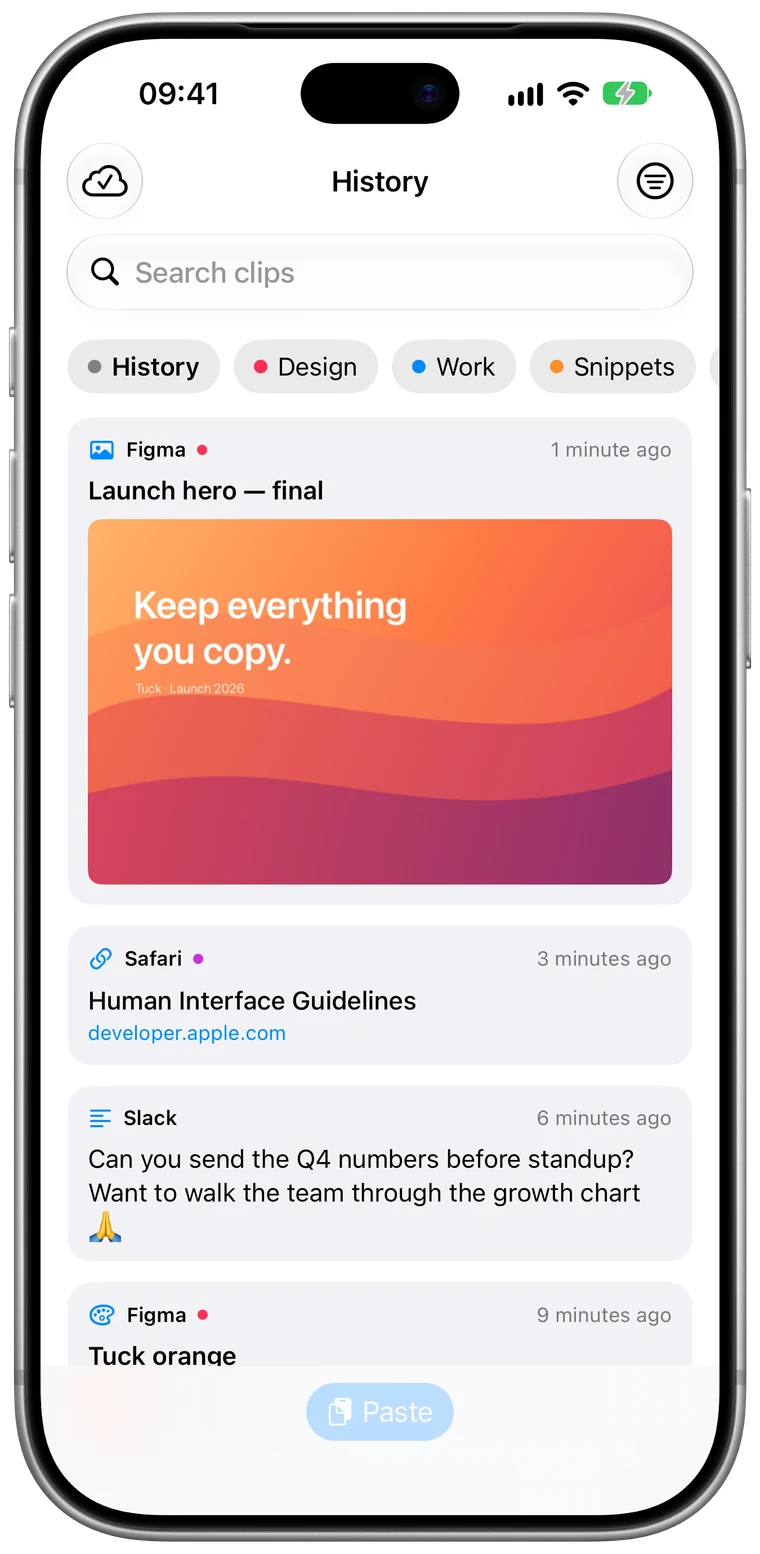
Tuck is the clipboard shelf for Mac and iPhone. Everything you copy, one keystroke away.
“The clipboard should remember more than one thing. Tuck makes it remember everything.”
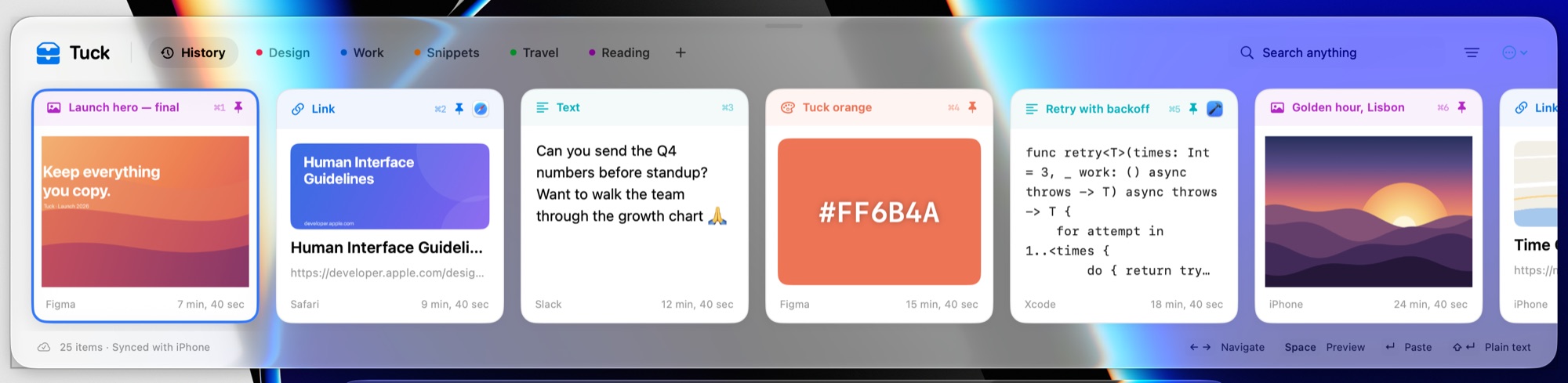
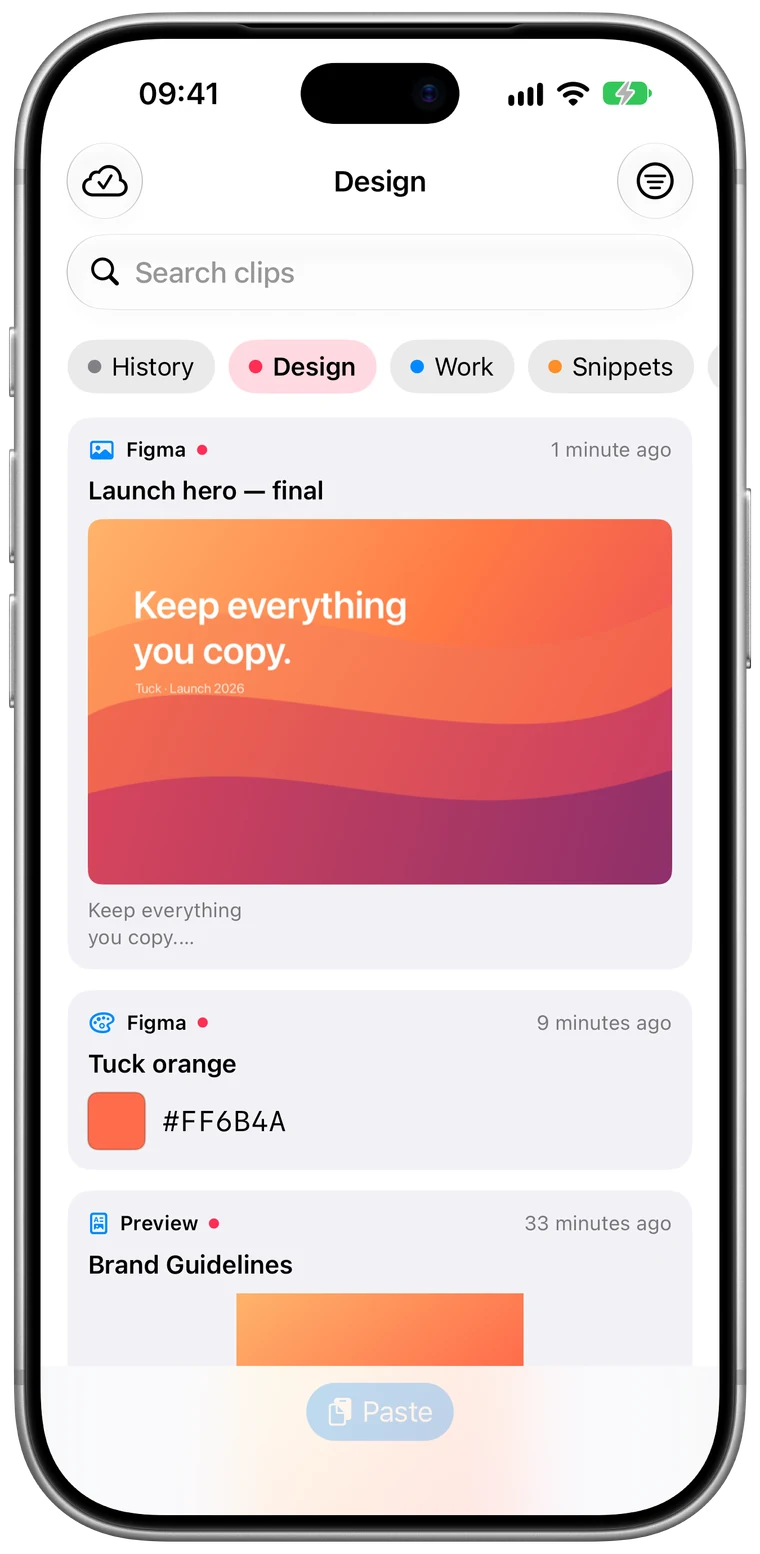
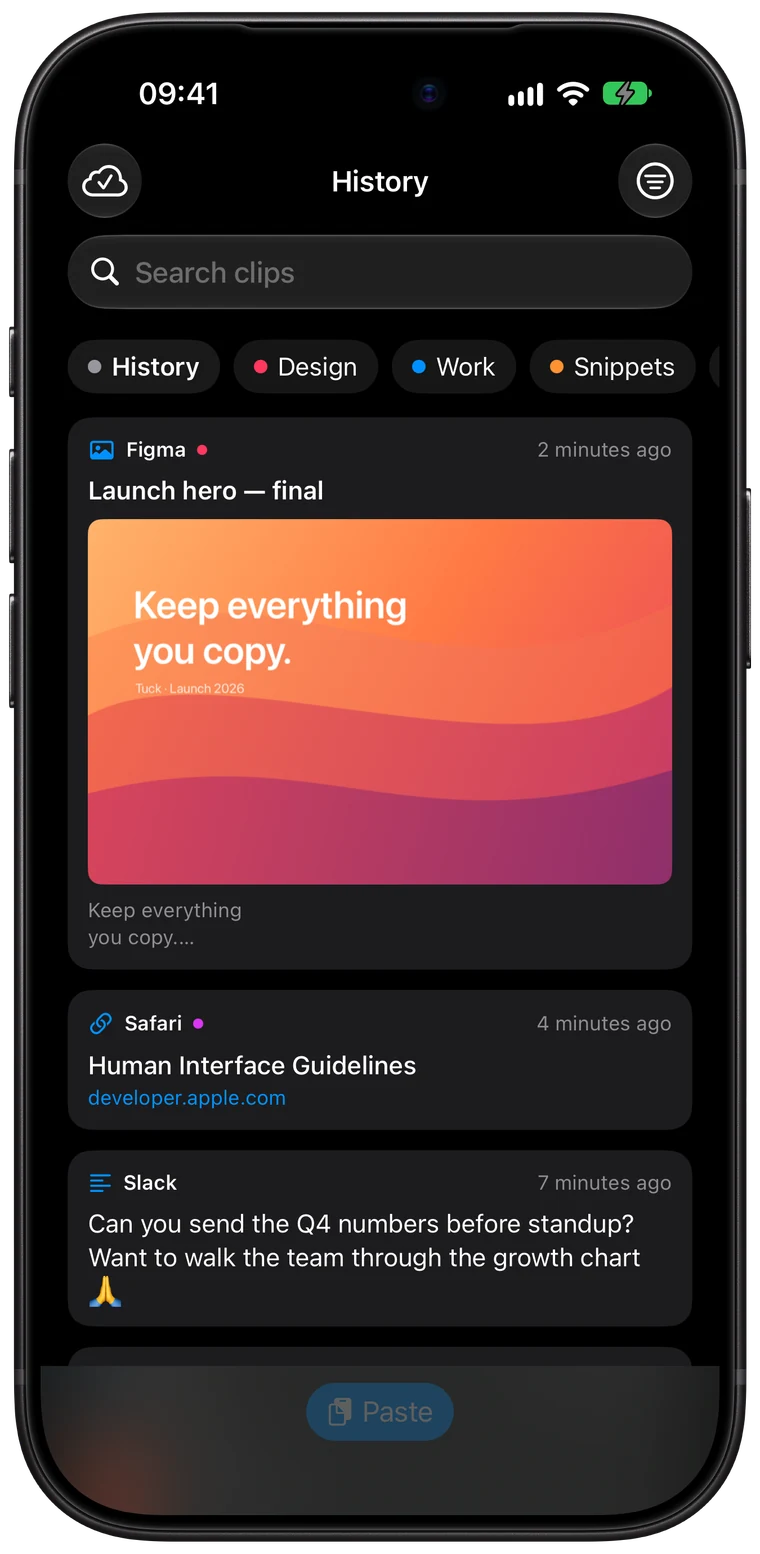
Text, links, images, colors and code land on your shelf automatically, with the app they came from and when.
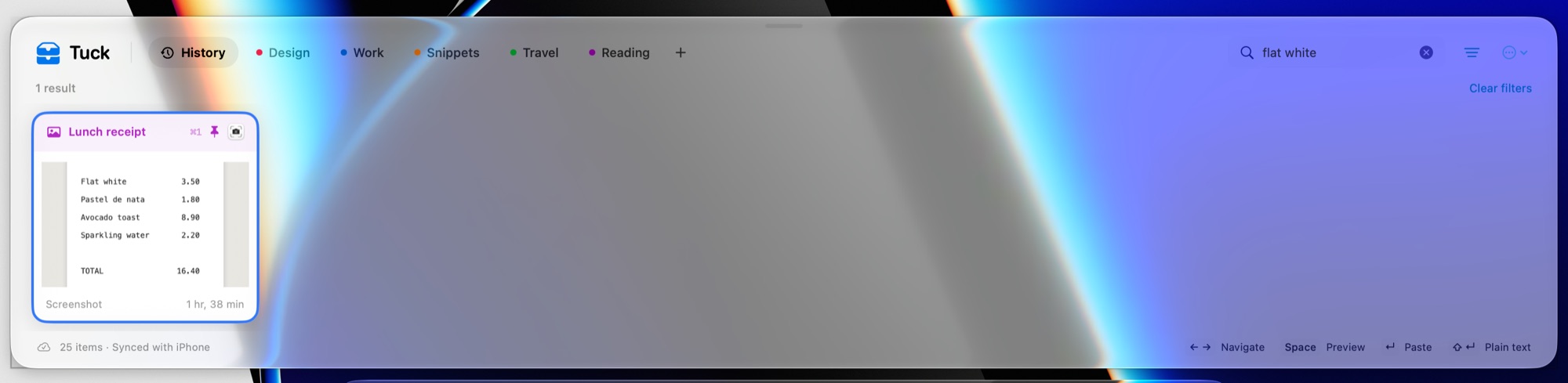
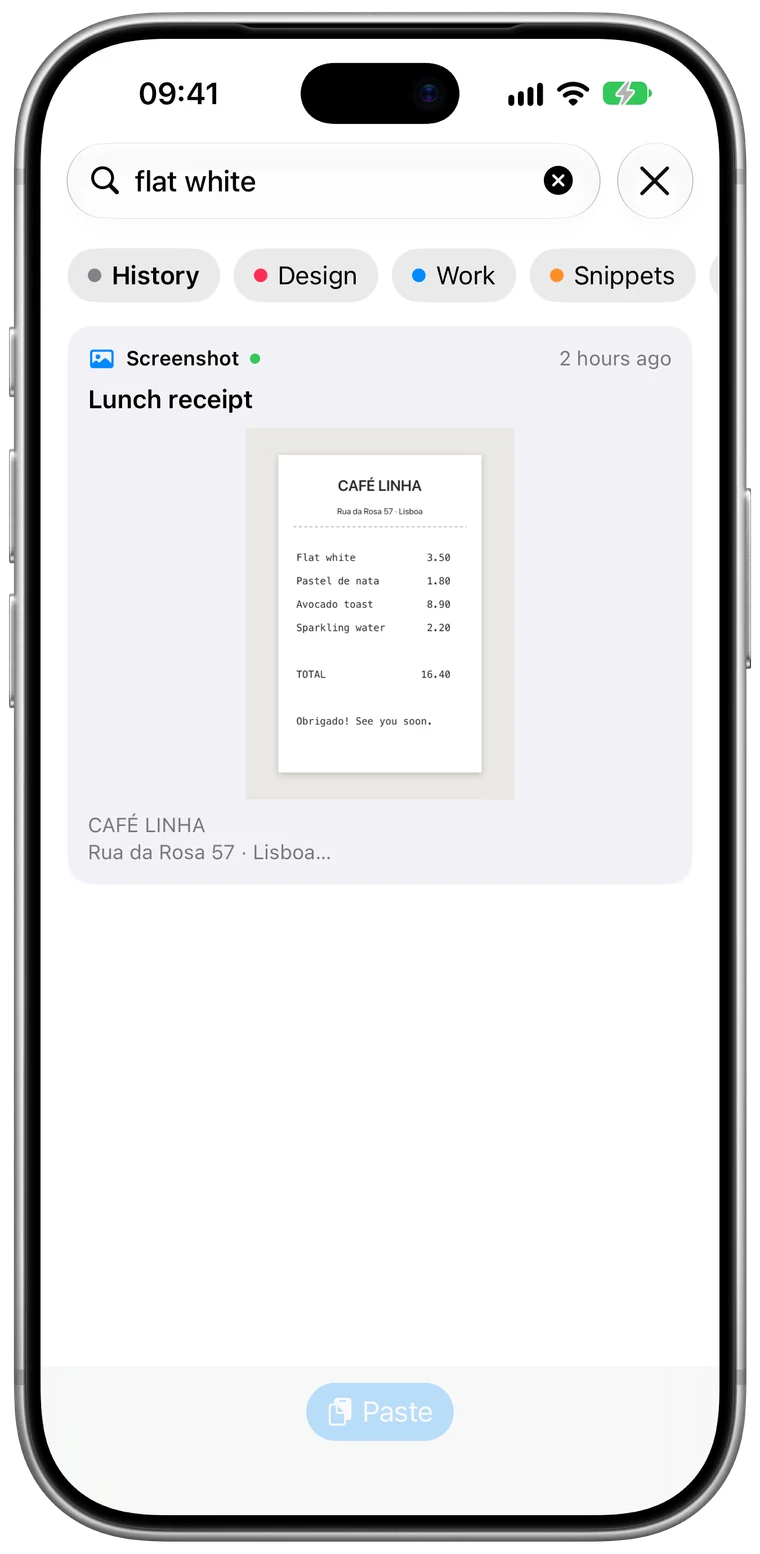
Type a word and Tuck finds it — in snippets, URLs, and text inside screenshots.
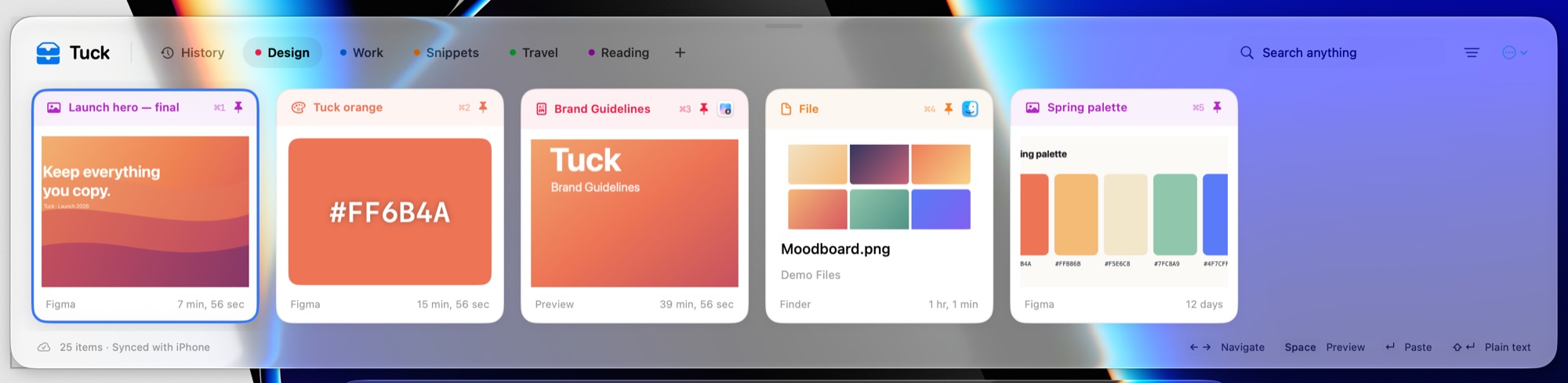
Group the colors, links and templates you reuse into pinboards that never expire.
Copy several things, paste them back in order.
Press Space to preview any card full size.
Strip formatting with ⇧↩ when you paste.
Open, find and paste without touching the mouse.
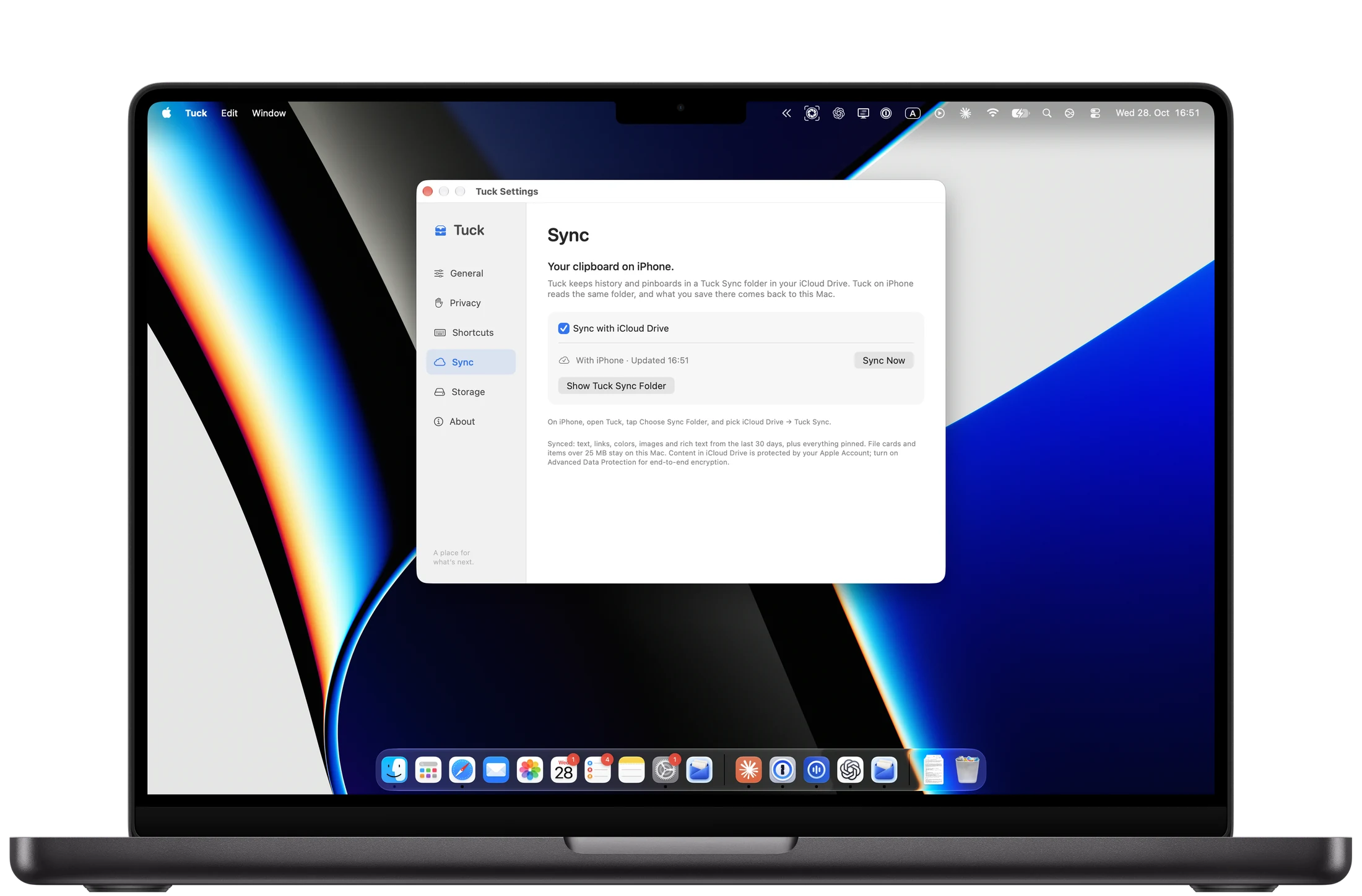
Copy on your Mac, paste on your iPhone. Tuck syncs through your own iCloud Drive.
Keep commands, snippets and tokens on a pinboard. Paste them back without hunting through terminals.
History lives on your Mac. Sync is optional and goes through your own iCloud Drive — never our servers.
Every line of Tuck is public. Read it, build it, audit it.
Free and open source for macOS 14 and later.